Phone Suddenly Slow? Practical Ways to Speed Up Your iPhone or Android
If your smartphone suddenly feels slow, restart it, check available storage, and review recent app installations and software updates first. These steps can fix common slowdowns. Persistent overheating, battery wear, or hardware issues may need further attention.
📌 Quick answers
🔄 Restart your phone and check whether the lag continues.
💾 Remove unneeded videos, downloads, and unused apps to free storage.
📱 Update your operating system and any apps behaving badly.
🌡️ Let an unusually hot phone cool down before using it again.
🔋 On iPhone, check Low Power Mode and battery health.
🔄 Start with a restart
If the keyboard responds slowly or switching between apps feels choppy, restart your phone. This may resolve temporary software problems. After restarting, try the same task again to see whether the issue has disappeared.
💾 Check how much storage is left
On an iPhone, open Settings → General → iPhone Storage. On most Android phones, look under Settings → Storage; the exact menu varies by manufacturer.
Start with large videos, downloaded files, duplicate photos, and apps you no longer use. Google notes that Android devices may experience problems when less than 10% of storage is available. Apple recommends keeping at least 1GB free on an iPhone to help avoid slowdowns.
📱 Update apps and system software
If only one app feels slow, check for an update to that app. If the entire device lags, review available system updates. Before updating, back up important files and make sure you have enough battery power and storage.
If the problem began after installing a new app, try uninstalling it and testing again. Android's Safe Mode can also help identify whether a downloaded app is responsible. Avoid routinely force-closing every app: doing so is usually unnecessary and can sometimes make apps slower to reopen.
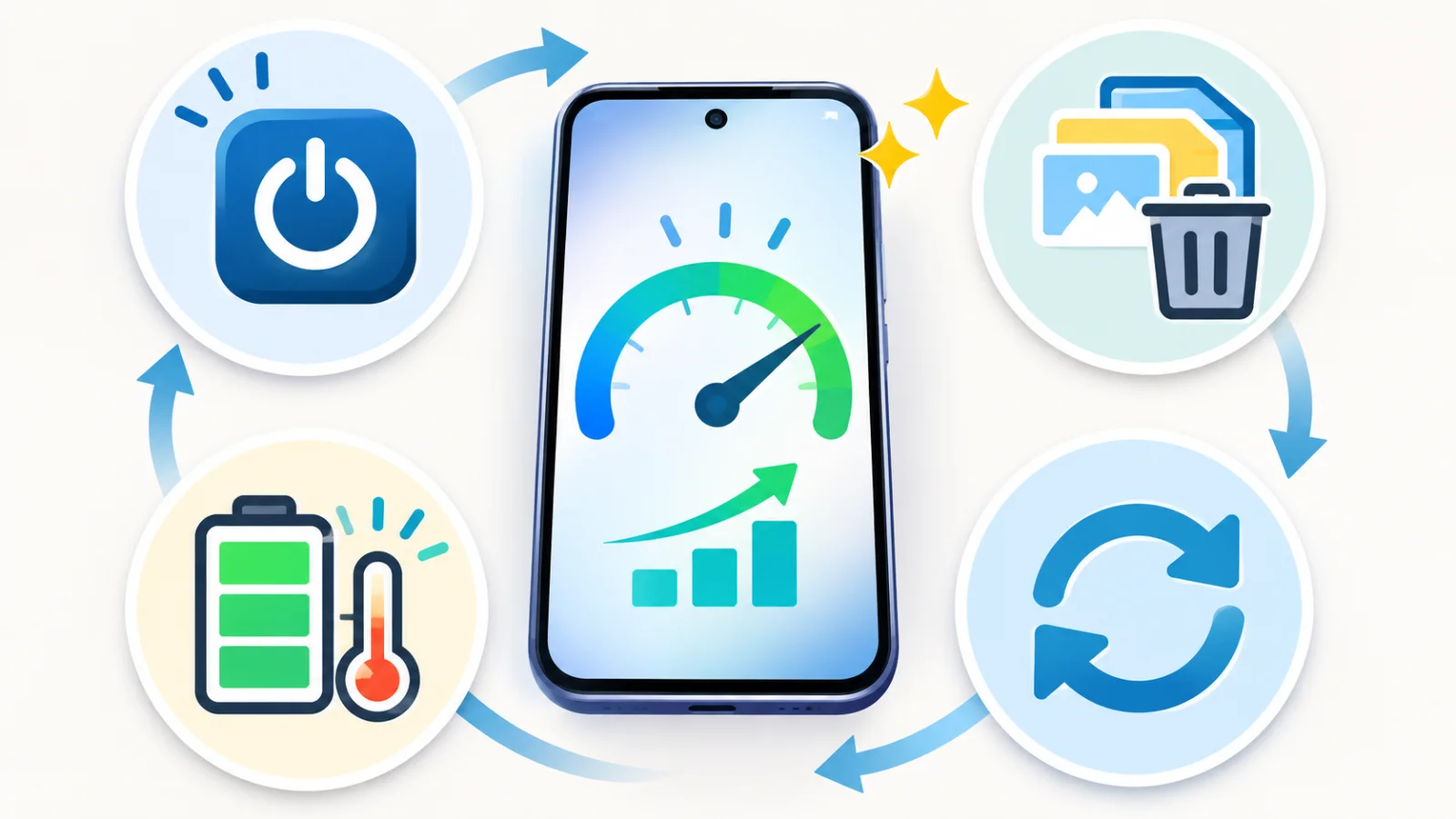
A useful troubleshooting order: restart → storage → updates → battery and temperature.
🌡️ Check temperature and battery settings
A phone that gets too hot during gaming, recording, or charging may temporarily reduce performance. Stop demanding tasks and allow it to return to a comfortable temperature. Do not put your phone in a refrigerator or try to cool it rapidly.
On iPhone, check Settings → Battery for Low Power Mode and battery health options; menu labels may differ by model and software version. Low Power Mode can slow some activities, and an aging battery may affect performance. Android battery diagnostics vary by manufacturer.
⚠️ Leave factory reset until last
If the slowdown persists, or the phone repeatedly freezes, contact your device manufacturer or an authorized repair provider. A factory reset can erase locally stored photos, apps, and other data, so verify your backup before considering it. Be cautious about unfamiliar apps promising instant speed boosts.
For your first action right now, open your phone's storage settings and check the available space.