Create Videos with Claude AI: How to Use the OneTake Skill from Script to MP4
You can create short promotional motion videos with Claude AI by installing the OneTake skill in Claude Code and describing your script, visual direction, and desired output. OneTake helps orchestrate motion design and rendering, but it is not a universal built-in video button in the regular Claude chat interface.
✅ Key takeaways
OneTake is an agent skill used with Claude Code and compatible coding agents.
It is suited to short product launches, feature demonstrations, and animated promos.
The documented setup uses Python 3, Node.js, Chrome, and FFmpeg.
Outputs can include MP4, GIF, editable HTML, and audio files.
Check the commercial-use license before publishing client or business content.
🎬 What does the OneTake skill actually do?
OneTake is a set of instructions and scripts that helps an AI coding agent build animated video compositions. Rather than assembling a slideshow of unrelated slides, it focuses on continuous motion, moving typography, product interfaces, and transitions that connect visually.
That makes it useful for launch teasers and compact demonstrations. It is not the same product as every web-based video editor branded “OneTake,” so confirm that you are installing the Claude Code agent skill.
🛠️ Prepare Claude Code and install the skill
Start with a working Claude Code environment. The skill documentation lists Python 3, FFmpeg, Google Chrome, and Node.js among its dependencies. Setup steps can vary by operating system and skill release.
Use the skill publisher’s install instructions or downloadable package to add OneTake to your agent. Review the skill instructions and scripts before execution, particularly any file-system and network access. The skill is different from using Claude in a browser tab.
✍️ Turn an idea and a script into video
Begin with a clear creative brief: intended audience, message, duration, aspect ratio, and visual style. For example, a fictional handmade-gift shop could request: “Create a 20-second product teaser with warm colors, three product benefits, readable captions, and a closing call to action.”
Ask Claude Code to use OneTake for the project, then review the proposed script and sequence. Refine the wording and motion direction before rendering. If you need multilingual captions or a narrated version, specify the language and verify typography and pronunciation.
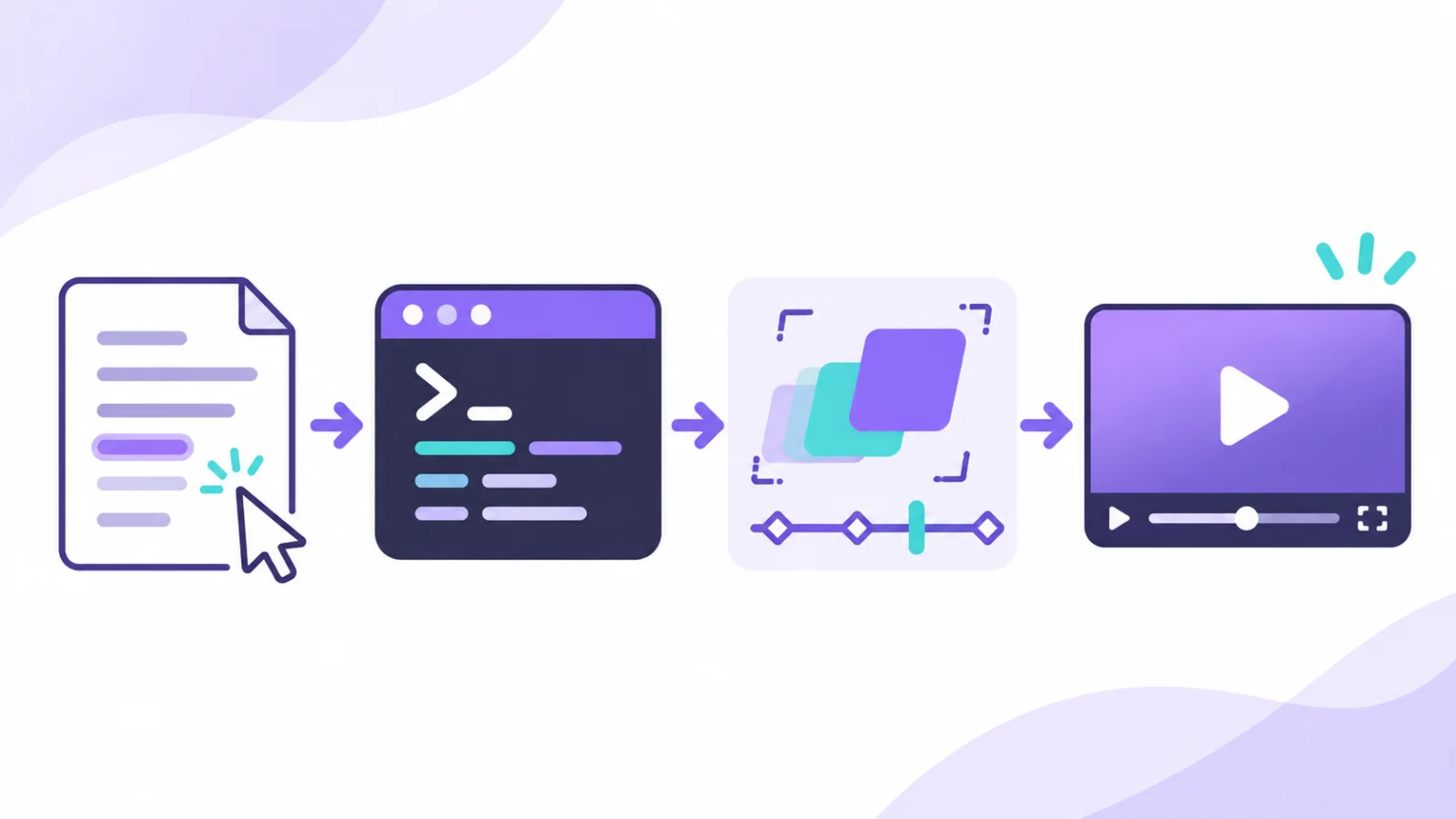
Illustration of the workflow from a script and composition to a rendered video file.
Render the approved composition and inspect the MP4. Export time depends on hardware, visual complexity, and the media assets involved; the process is not guaranteed to finish in a fixed number of minutes.
💡 How to improve the finished video
A specific prompt works better than “make an amazing video.” Explain who should watch it, what they need to learn, and how the message should unfold. Lead with the main idea, demonstrate one or two benefits, and end with a clear action.
Before publishing, review factual claims, captions, timing, sound levels, and any third-party image or music rights. The publicly described free skill has noncommercial licensing conditions, so business use requires particular care.
Start by drafting one 20-second video brief and script in Claude Code, then ask OneTake to turn it into an initial composition.