10 Ways to Use Social Media Safely
From privacy settings to deepfakes, scams, risky DMs, and what to do when things go wrong, here are 10 safety habits teens can start using today.
10 Ways to Use Social Media Safely
Information as of August 2026. App settings and laws change, so double-check menus and rules when you actually use them.
Intro: "It won't happen to me" is the riskiest thought
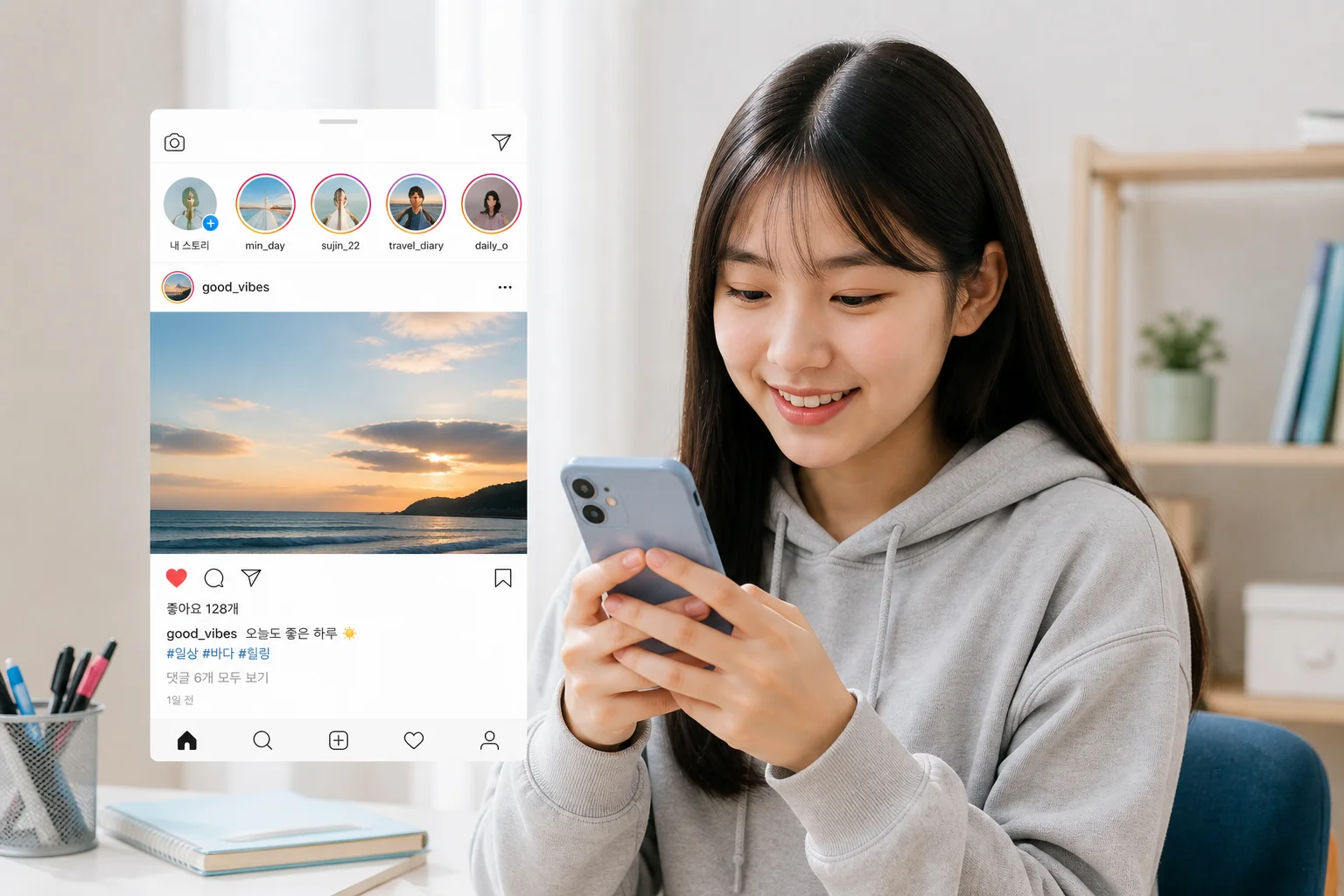
Say you post a lunch photo after class. A bit of your school uniform tag shows in the corner, and the location tag says the café near school. Harmless, right? But once ten or twenty posts like that pile up, a stranger can make a pretty good guess about which school you go to and when you're where.
This isn't a post telling you to quit social media. It's a great way to keep in touch, find your interests, and even show off a portfolio. But the better the tool, the more it pays to know its safety features. Most of the 10 tips below take about five minutes.
Why this matters more for teens
Friendships live in group chats and DMs. A misunderstanding online often follows you into the hallway.
Scams and blackmail target teens. The US National Center for Missing & Exploited Children (NCMEC) reported more than 50,000 cases of financially motivated sextortion in 2025, up from the year before. It's a global pattern, not one country's problem.
AI changed what a photo can be used for. Someone can take your picture and turn it into a fake video.
What you post is hard to erase. Screenshots and reposts make sure of that.
Three key ideas
Digital footprint: everything you post, comment on, or get tagged in. Like footprints in snow, it stays visible for a long time.
Piecing together personal info: your name, school, after-school academy, neighborhood, and routine each seem harmless alone, but together they can identify you.
Deepfake: a fake photo, video, or voice made with AI to look real.
10 ways to stay safe
1. Go private, and clean up followers now and then
Why? On a public account, anyone can see your photos and friend list.
How?
Switch to a private account. Instagram, for example, has Teen Accounts for under-18 users with private-by-default and stricter messaging settings. Features and age rules can change, so check the app yourself.
Once a month, scroll through your followers. Remove or block accounts you don't recognize.
2. Don't let one photo leak your school, neighborhood, or routine
Why? Because of "piecing together personal info" above.
Three-second check before posting
Is a name tag, school logo, or academy sign visible?
Is there a location tag or map?
Could this be posted later instead of in real time? Posting after you're home is safer than showing where you are right now.
Example: Before posting sports-day photos, crop out the banner with your school name and remove the location tag.
3. Long passwords and two-step verification
Why? A friend's "prank" or a hacker can send scam messages in your name.
How?
Use a different password for every site, and make it long, like a sentence of several words plus numbers.
Turn on two-step verification (2FA). Even if someone knows your password, they can't get in without your phone.
Don't share your password, even with close friends. Friendships change.
4. Set boundaries with DMs from strangers, even friendly ones
Why? Fake profiles may act friendly and then ask for photos or money. The FBI has warned about this kind of blackmail aimed at teens, especially boys.
How?
Only accept people you know in real life.
Warning signs: a stranger who quickly gets close, or says "keep this secret."
If someone asks for photos, pushes a video call, or wants to meet up: stop replying, block, and report.
Script you can use: "I don't chat with people I don't know. Blocking you now."
5. Before you send: once it's sent, it's out of your hands
Why? Even a kind person can screenshot it, lose their phone, or share it after a breakup.
Rule: Don't send private photos, photos of your body, or photos of your ID or student card to anyone, even a partner or close friend. "Disappearing photo" features don't stop screenshots.
6. Be suspicious of links, giveaways, and "easy job" messages
Why? "You won free merch," "your account will be suspended," or "earn money in 30 minutes a day" are classic traps for stealing personal info.
How?
Before tapping, check who sent it and whether the address is official.
If a link shows a login page, don't type anything. Open the app yourself.
Never share verification codes. Real apps won't ask for them.
If a friend's account asks for money, it may be hacked. Confirm by phone or in person.
7. Deepfakes: don't make them, watch them, or spread them
Why? Even if it starts as a joke, it can seriously hurt someone, and it can have legal consequences.
Good to know: In Korea, creating or spreading sexual deepfakes is a serious crime, and possessing or watching them can be punished too (exact laws and penalties can change, so check with official sources). Being a minor doesn't mean there are no consequences.
Protect your photos
Avoid posting large close-up face photos on a public account.
Don't feed friends' photos into AI apps casually. Even with permission, never for sexual or mocking purposes.
If something like that circulates in a group chat: don't share it, save a screenshot as evidence, and report it.
8. Friends' photos and group chats are their information too
Why? Something you think is funny may be embarrassing or risky for a friend.
How?
Ask before you post a photo that includes a friend.
Don't spread screenshots of group chats.
Repeated teasing can be cyberbullying. If it happens to you, don't reply and save the evidence. If you're watching, don't like or share.
9. Protect your time and mood: notifications, sleep, comparison
Why? Late-night scrolling hurts sleep and studying, and constant comparison affects how you feel.
How?
Silence notifications for the hour before bed and keep your phone away from your pillow.
Use built-in tools: usage reminders, do-not-disturb, sleep mode.
Mute or unfollow accounts that make you feel bad. It's not rude. It's managing your own mind.
10. When something goes wrong: save, block, report, tell someone
Why? Struggling alone or giving in to demands often makes things worse. The blame is on the person threatening you.
Steps
Save evidence: screenshots, usernames, dates. Don't delete them.
Block and report in the app.
Don't send money or more photos. Giving in once often leads to bigger demands.
Tell someone you trust: a parent, teacher, or school counselor. If that feels hard, start with a helpline.
Where to get help
In Korea: police 112, youth counseling 1388, and the Digital Sexual Crime Victim Support Center / Korea Communications Standards Commission for takedown help.
If an intimate image of you (under 18) might spread online, NCMEC's Take It Down (takeitdown.ncmec.org) can help get it removed. Nobody legitimate should charge you for this.
Outside Korea, look up your country's local helpline or police cybercrime unit.

Using this at school
Group chats: when you're added to a new one, check who's in it. It's fine to leave if you don't know people.
Group projects: don't paste friends' full names, contacts, or personal photos into shared chats or AI tools.
AI chatbots for homework: avoid entering your name, school, address, or photos of report cards.
Future plans: it's not certain that schools or employers will check your accounts, but public posts are visible to anyone. Ask yourself if you'd be fine with them being seen later.
Quick scenarios
Situation | Try this |
|---|---|
A stranger says "send me a pic" | Block and report without replying, save screenshots |
A friend posts your photo without asking | Ask them to remove it, then report in the app, then involve a teacher if needed |
DM: "Your account will be suspended, log in here" | Ignore the link, check in the app, change your password |
A fake photo of someone is going around a group chat | Don't share or react, save evidence, tell an adult and report |
Scrolled all night and can't focus in class | Mute notifications before bed, turn on sleep mode |
5-minute checklist for tonight
Switch your account to private
Turn on 2FA
Check your last 3 posts for school or location info
Remove 5 followers you don't know
Save emergency numbers to your phone
Key takeaways
Private account and follower cleanup 2. Check what your photos reveal 3. Long password and 2FA 4. Be careful with strangers' DMs 5. Never send private photos 6. Doubt links and easy jobs 7. Never create or spread deepfakes 8. Respect friends' info 9. Manage time and mood 10. If trouble comes: save, block, report, ask for help
Good to know
Safety settings change with app updates. Once a season, reopen "Settings > Privacy."
No platform is perfectly safe, but a few habits cut risk a lot.
If you've already made a mistake, it's not too late. Change your settings today and move forward.
This is general safety information, not legal advice. If you're being harmed, contact the organizations above or a trusted adult.