Self-Management and Time Management Skills Every Teen Needs
A practical guide for teens to design their own day: study, phone, AI, friends, and future goals, without relying on willpower alone.
Self-Management and Time Management Skills Every Teen Needs
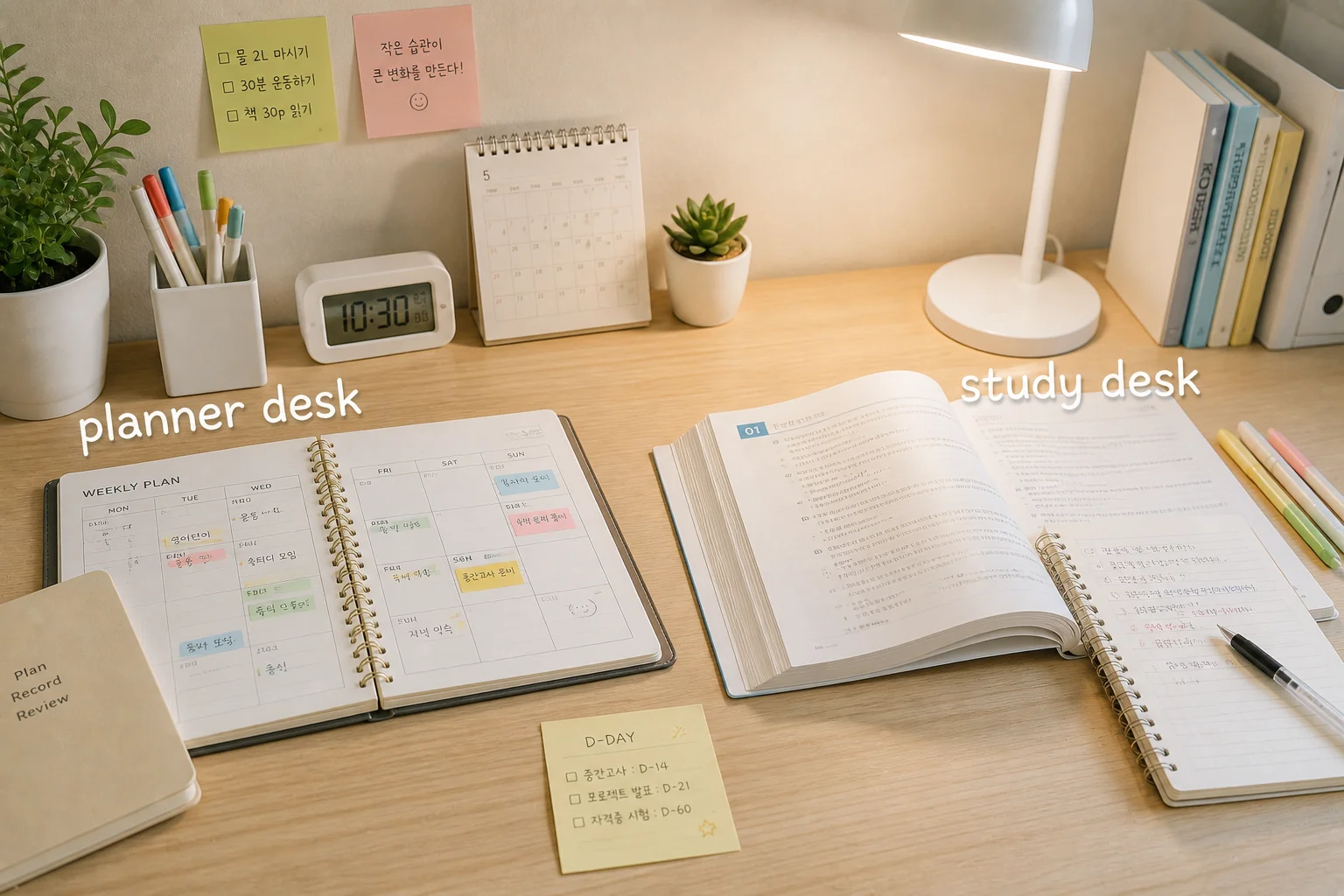
1. Does this sound familiar?
You opened your phone "for a second" to start homework, and an hour vanished.
The test was a week away, you thought "plenty of time," and then you crammed the night before.
You were busy all day but can't remember what you actually did.
This isn't laziness or weak willpower. Nobody ever taught you how to use your time. The good news: it's a skill, and skills can be learned.
2. Why does this matter so much for teens?
Your to-do list explodes. Assignments, tests, clubs, friends, and future plans all show up at once.
The distractions are strong. Short videos, games, and social media are built to keep you watching. Fighting that with willpower alone is a tough match.
Habits you build now stick. College, work, and adult life all need the ability to plan for yourself.
Your body is still growing. Major sleep organizations, such as the American Academy of Sleep Medicine, recommend roughly 8 to 10 hours of sleep for ages 13 to 18. Cutting sleep to study more doesn't work for long.
3. The key ideas, made simple
Self-management means taking care of and steering your body, mind, time, and emotions yourself. Time management is the part about spending your 24 hours on what you actually care about.
Idea | Plain meaning | Example |
|---|---|---|
Priorities | Deciding what to do first | Homework due tomorrow > organizing next week's test material |
Environment design | Removing temptations in advance | Putting your phone in your bag, away from your desk |
Habits | Actions you do without thinking | Get home, drink water, sit at your desk |
Willpower runs out over the day. So real time management means building a system that saves your willpower.
4. How to use it in school life
1) Morning, 5 minutes: pick your "top 3"
Writing 20 tasks wears you out before you begin. Write just 3 things that must get done today.
2) Sort tasks: urgent vs. important
Urgent | Not urgent | |
|---|---|---|
Important | 1. Do it now (assignment due tomorrow) | 2. Schedule it (test prep, exploring careers, exercise) |
Not important | 3. Handle quickly (group chat replies) | 4. Cut back (endless scrolling) |
The things that change your grades and future are usually in box 2. Because they aren't urgent, they get postponed forever, so put them on your calendar first.
3) Use small gaps in your day
A 15-minute bus ride, 10 minutes after lunch, and 5-minute breaks add up. Use them for small tasks you can finish, like reviewing 10 vocabulary words or writing a one-line summary of today's lesson.
4) Once a week, take 10 minutes to reflect
On Sunday evening, write one thing that went well, one thing that didn't, and one thing to change next week. Reflecting improves you more than planning does.
Image suggestion: search "student notebook planning" or "study notes"
5. Five real-life examples
Example 1. Escape cramming with a 4-week plan (studying)
Situation: Midterms are 4 weeks away, and you always cram the night before.
What to do: Split the exam range across 4 weeks on your calendar. Week 1: understand the concepts. Week 2: practice problems. Week 3: redo the ones you got wrong. Week 4: final check. Reviewing the same material spread out over time (spaced repetition) is widely supported by learning research as better for long-term memory than one big cram session.
Example 2. When your phone wrecks your focus (smartphone)
Situation: Every notification pulls you away from studying.
What to do:
Turn on Do Not Disturb and leave the phone in another room or your bag.
Delete or log out of the apps that eat your time. Making them "one step harder" helps.
Allow yourself phone time during breaks. Strict bans usually backfire.
Check your phone's screen time / digital wellbeing page first. The numbers may surprise you.
Example 3. Friends vs. studying (relationships)
Situation: It's hard to say no when friends invite you out, and you regret it later.
What to do: Instead of just refusing, offer another time: "I have homework today, but Saturday afternoon works!" Good friends understand. Muting group chats while you study and catching up afterward is fine.
Example 4. Use AI as a tutor, not an answer machine (AI)
Situation: You paste a math problem into an AI and copy the answer.
What to do: Try prompts like:
"Don't give me the answer. Just hint at which concept to use."
"Here's my solution. Where did I go wrong?"
"Make a 5-question quiz on this unit."
AI safety rules
Never enter personal info: name, school, address, phone number, photos, passwords
AI can be wrong, so double-check with your textbook, teacher, or official sources
Check your school's and teacher's rules on AI for assignments, and never hand in AI-written work as your own
Example 5. Start exploring your future in small steps (career)
Situation: You don't have a dream job yet, and it makes you anxious.
What to do: Finding a direction isn't a one-time decision. It's a series of small experiments. Each month, try one: read a book in a field you like, watch an interview with someone in that job, or join a club or workshop. Write 3 lines about how it went, and it becomes valuable material later.
6. A 7-day starter plan for beginners
Day | Task |
|---|---|
1 | Check your screen time and write down your daily usage |
2 | Write your "top 3" in the morning |
3 | Keep your phone away while studying |
4 | Try 25 minutes of focus + 5 minutes of rest (Pomodoro-style) |
5 | Set a fixed bedtime and wake-up time |
6 | Put all tests and deadlines on a calendar |
7 | Do a 10-minute reflection: what worked, what didn't, what to change |
Start small: "Sit at my desk and open one page of the workbook" is far easier to keep than "study 3 hours a day." Once you start, continuing gets easier.
Sample weekday
07:00 Wake up, drink water, write your top 3
08:00-15:30 School (vocab review in small gaps)
16:30 Snack and 30-minute break (phone OK)
17:00-18:30 Study (25 + 5 minutes × 3)
19:00 Dinner, time with family or friends
20:00-21:00 Review or free time
22:30 Put the phone down, get ready for bed
Everyone's schedule is different, so adjust this to fit yours.
Image suggestion: search "sleep bedroom night" or "healthy routine"
7. Things to watch out for
Waiting for the perfect plan: A 70% plan you actually follow beats a perfect plan you never start.
Packing every minute: Surprises happen. Leave about 20% of your time free.
Sacrificing sleep to study: Lack of sleep hurts focus and mood, so you lose more than you gain.
Quitting after one bad day: Restart at the very next meal or the next hour.
Comparing yourself to others: "Perfect routines" on social media are edited highlights. Compare yourself to yesterday's you.
Online privacy: Don't post your schedule, school name, or photos that reveal your location. Don't open DMs or links from strangers.
If you feel low for a long time: Constant exhaustion or anxiety may not be a time-management problem. It may be a sign you need support. Talk to a trusted adult or a school counselor. If you're in Korea, the youth helpline is 1388. If you're elsewhere, look up your local youth support line.
8. Key takeaways
Time management is about systems and environment, not just willpower.
Choose 3 must-do tasks every day.
Schedule important but not urgent things (test prep, career exploring, exercise) first.
Keep your phone out of sight while working, and enjoy it on breaks.
Use AI as a tutor that helps you understand, and never enter personal info.
Put sleep, friends, and rest in your plan too.
Do a 10-minute weekly reflection and adjust a little each time.
9. Good to know
Habit trick: Attach a new habit to one you already do. ("After brushing teeth → review 5 words.")
Tools: A free calendar or notes app is enough. Constantly switching apps is its own time waster.
On low-focus days: Tell yourself "just 5 minutes." You'll often do more.
Rewards: Decide on a small reward in advance, like a favorite snack or 20 minutes of a show.
About images: Download photos from free sites that allow commercial use, such as Unsplash, Pexels, or Pixabay, and check each site's license terms. Your own photos or drawings are the safest option.
Don't try to build a perfect day. Build a day that's 1% better than yesterday. Pick one thing from this post and start today.