How to Make Your Own YouTube, TikTok and Social Media Content: A Beginner's Guide for Teens
Learn to plan, film, edit and post your first video with just a phone, plus the privacy and copyright rules that keep you safe.
How to Make Your Own YouTube, TikTok and Social Media Content
[Image 1: Hero image] A student filming a video on a smartphone at a desk
Free image search terms:smartphone filming desk,video creator phone tripod
Suggested sites: Unsplash, Pexels, Pixabay (check each site's license text before use)
Alt text: A student setting a smartphone on a tripod to record a video
1. Intro: You watch videos all day. What if you made one?
Ever scroll through Shorts during break and think:
"I could make something like this."
"A review of our school lunch would be hilarious."
"I wish my video could actually help someone."
Here's the good news: you don't need expensive gear. The phone in your pocket and a free editing tool are enough. This guide isn't about getting a million subscribers. It's about making your first video today, safely.
2. Why does this matter for teens?
① Making things changes how you watch things.
Once you make a video yourself, you start noticing why some videos grab attention, and how ads and misleading claims work. This skill is called media literacy, which simply means reading and judging information wisely.
② It connects directly to school.
Presentation videos, group projects, club promos and video assignments all use filming and editing skills.
③ It helps you explore your future.
Editing, writing, design, planning, marketing and coding all connect to making content. You can't know what you like until you try it. Even if you never become a "creator," what you make can be a great story for a portfolio or application.
④ It gives you a way to express yourself.
Turning your thoughts and hobbies into a video or a post can help you sort out your own ideas.
3. Key ideas in plain language
Term | Simple meaning |
|---|---|
Content | Anything you create and post: video, photo, writing, sound |
Shorts / Reels / TikTok | Short vertical videos |
Long-form | Videos that run several minutes or more |
Thumbnail | The cover image you see before you tap a video |
Algorithm | The rules an app uses to decide what to show each person |
Copyright | A creator's legal rights over their work |
Right to your image | Your right not to have your face used without permission |
One thing to remember: nobody knows the algorithm exactly. Anyone who says "do this and you'll go viral for sure" is exaggerating. What really works is making things regularly, checking the reaction, and improving.
4. How to use it in school life
Studying: Explain how you solved a math problem in a one-minute video. Teaching someone else shows you exactly where you're stuck.
Class projects: For video assignments, structure, captions and editing raise the quality.
Clubs and class: Make a club promo, sports day highlights or a class memory video. (Always get your friends' permission!)
Career exploring: Record an interview or a job experience for a future-plans activity.
Using AI: You can use AI as a tool to organize ideas or polish captions. But don't hand in AI-made work as your own. Bring the ideas yourself and let AI assist. Schools often have their own AI rules, so check them.
5. Five real-life examples
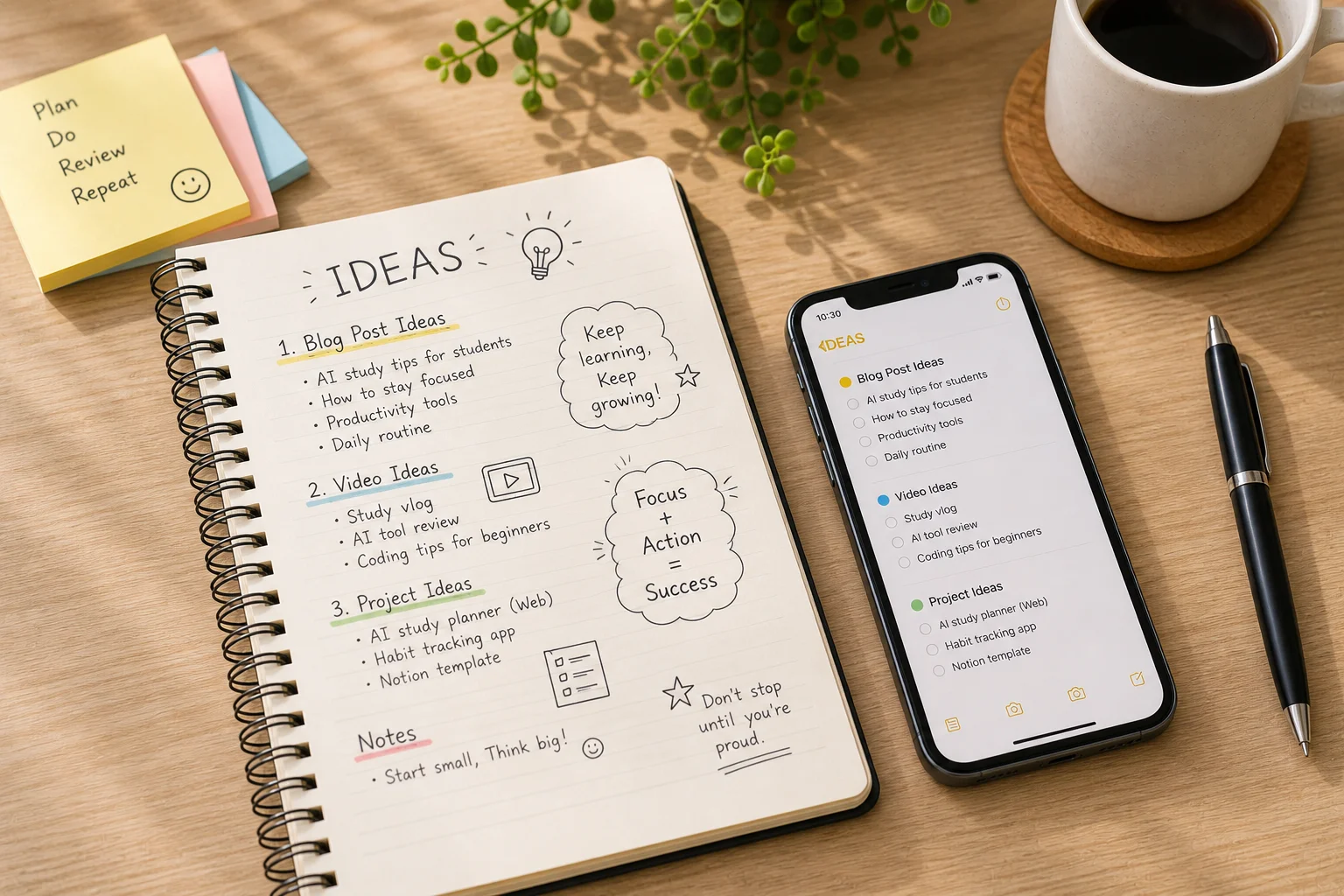
Example 1. Study-log Shorts (Jiho, grade 8)
A 30-second record of the day's study plan and results during exams. Filming just the desk and hands keeps privacy risk low, and it becomes a record of your study habits.
Example 2. 30-second concept explainer (Seoyeon, grade 10)
Pick one concept, such as "photosynthesis in 30 seconds." Friends can watch it before a test, and explaining it boosts your own understanding.
Example 3. Hobby vlog (Minjun, grade 11)
Record basketball, drawing or cooking. Your hobby becomes a steady record you can use in future activities.
Example 4. Local tips
Something like "Top 3 budget snacks during exam week." Get permission if a shop or person is identifiable, and only share what you've checked yourself.
Example 5. Environment or community campaign
A video about recycling correctly or reducing plastic at school. Check facts against official sources and list them in the description to build trust.
6. Beginner's step-by-step guide (7 steps)
Step 1. Pick a topic
Choose one thing you like that could help someone else. Don't try to be perfect right away.
Step 2. Write a tiny plan
Who is watching? (e.g., my classmates)
What will I teach or show? (e.g., one memory trick for tomorrow's test)
What will I say in the first 3 seconds? (e.g., "Skip this and you'll lose points tomorrow")
Step 3. Film
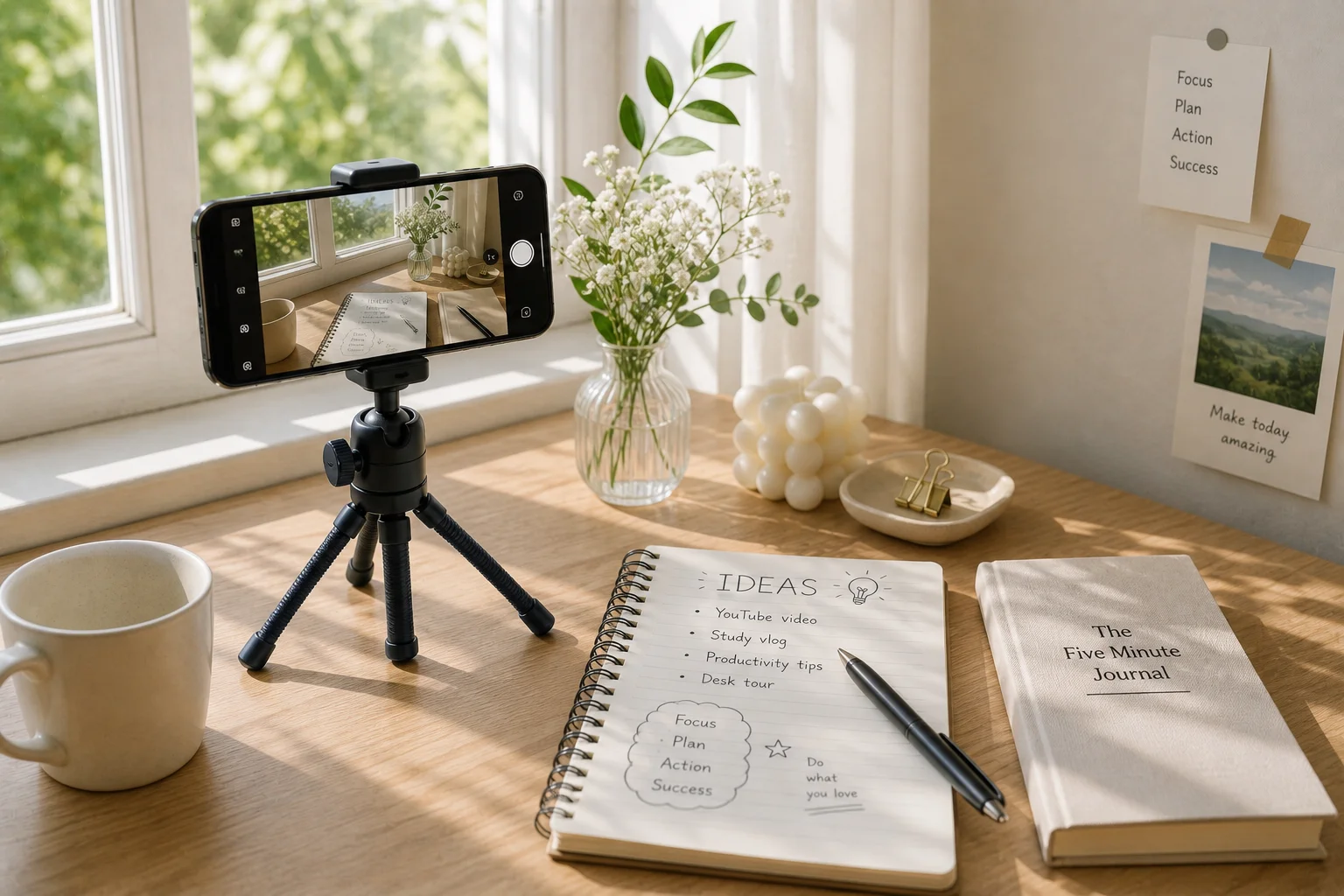
Natural light by a window is the best and it's free.
Wipe your lens with a soft cloth. It makes a surprising difference.
Film vertically (9:16) for Shorts, Reels and TikTok.
Prop your phone on books or a bottle if you don't have a tripod.
Sound matters. Film somewhere quiet and keep the phone about a hand-span from your mouth.
Step 4. Edit
Learn three things first: cutting out the boring parts, captions, and music. YouTube's built-in Shorts tools or a free editing app are enough. (Free features and policies change often, so check before you install.)
Step 5. Keep music and sound copyright-safe
YouTube Studio's Audio Library offers free music and sound effects.
The music library inside the Shorts app has usage limits that depend on video length. According to YouTube Help, Shorts can be up to 3 minutes, but popular songs are often safest in videos of 60 seconds or less. Always read the in-app notice.
Never re-upload someone else's video, photo or music as it is. "I credited them" may not be enough.
Step 6. Make an honest title and thumbnail
Keep it short and truthful, like "Understand Photosynthesis in 3 Minutes." Clickbait titles or thumbnails that don't match the video cost you trust.
Step 7. Safety check before posting (very important!)
Post only after you pass every item below.
7. What to watch out for
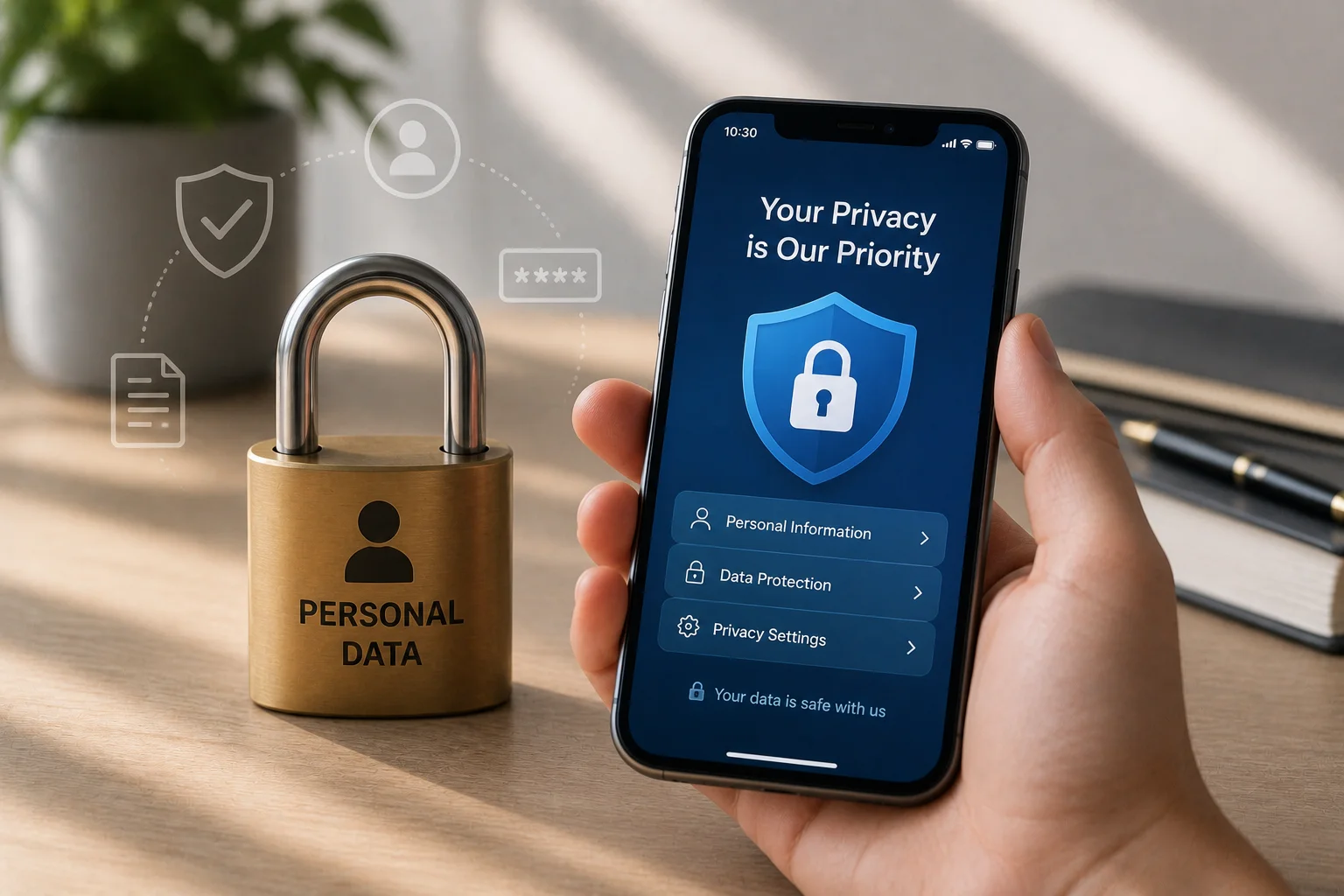
① Privacy checklist
No school name tag, logo, or tutoring center sign in the frame?
No home address, front door, neighborhood landmarks, or window view?
Not sharing live location or your regular times and places?
Didn't say your full name, age, phone number or school name?
Got permission from any friends or family who appear?
Location tagging on photos is turned off?
② Know the default protections (and check them yourself)
YouTube sets uploads for ages 13-17 to private by default, and you have to change that yourself to go public. Livestreaming is described as available from age 16. (YouTube info source)
TikTok's minimum age is 13, accounts for ages 13-15 are private by default, and DMs are reported to be off for under-16s. (TikTok Newsroom)
Policies change often, so check Settings → Privacy/Safety in each app yourself.
These defaults are safety nets, not guarantees. Once you switch to public, the responsibility grows.
③ Comments and hate
Anyone can get mean comments. Don't argue. Use block, report and comment limits. If it really hurts, talk to a trusted friend or adult instead of holding it in. Screenshots help when you report.
④ DMs, "collab" offers and gift offers from strangers
"We'll sponsor you," "send me a photo and I'll help," or "let's chat on another app" should make you suspicious right away. Refuse requests for personal photos, bank details, verification codes or link clicks, and report them.
⑤ Respect other people
Don't post videos that secretly film or mock friends, or that call out one person. Once posted, it's hard to fully remove and it can hurt deeply.
⑥ Time management
Making content takes time. Set your own rule, such as 1-2 posts a week and 30 minutes a day, so sleep, study and time with people don't suffer.
⑦ When using AI
Don't type your name, school, photos or friends' stories into AI tools. AI can also be wrong, so double-check its facts. Using AI to imitate someone's face or voice (deepfakes) can seriously harm people and may even be illegal. Never do it.
8. Summary
One smartphone is enough to start.
Pick one topic you like that can help others.
Natural light, a clean lens and clear sound lift quality a lot.
Use only copyright-safe music and images.
Run the privacy checklist before every post.
Block and report mean comments and suspicious DMs, and don't struggle alone.
Consistency beats perfection.
9. Good to know
First-video mission: Make a 30-second, faceless video about your hobby and upload it as private. Perfect practice.
Finding free materials: Photos and videos from sites like Unsplash, Pexels and Pixabay can be used within each site's license terms. Terms differ, so check before downloading, and be extra careful with identifiable faces or trademarks.
Credit habit: For anything that needs credit, put the name, link and license in your description.
Talk to a parent or teacher: Not to ask permission, but to have someone reliable in your corner if problems come up.
About earning money: Monetization rules (age, subscribers, watch time) differ by platform and change often. For now, focus on the experience of making things.
Final thought: Everyone's first video is awkward. But that awkward first video is what builds the future you. Today, just pick one topic.